

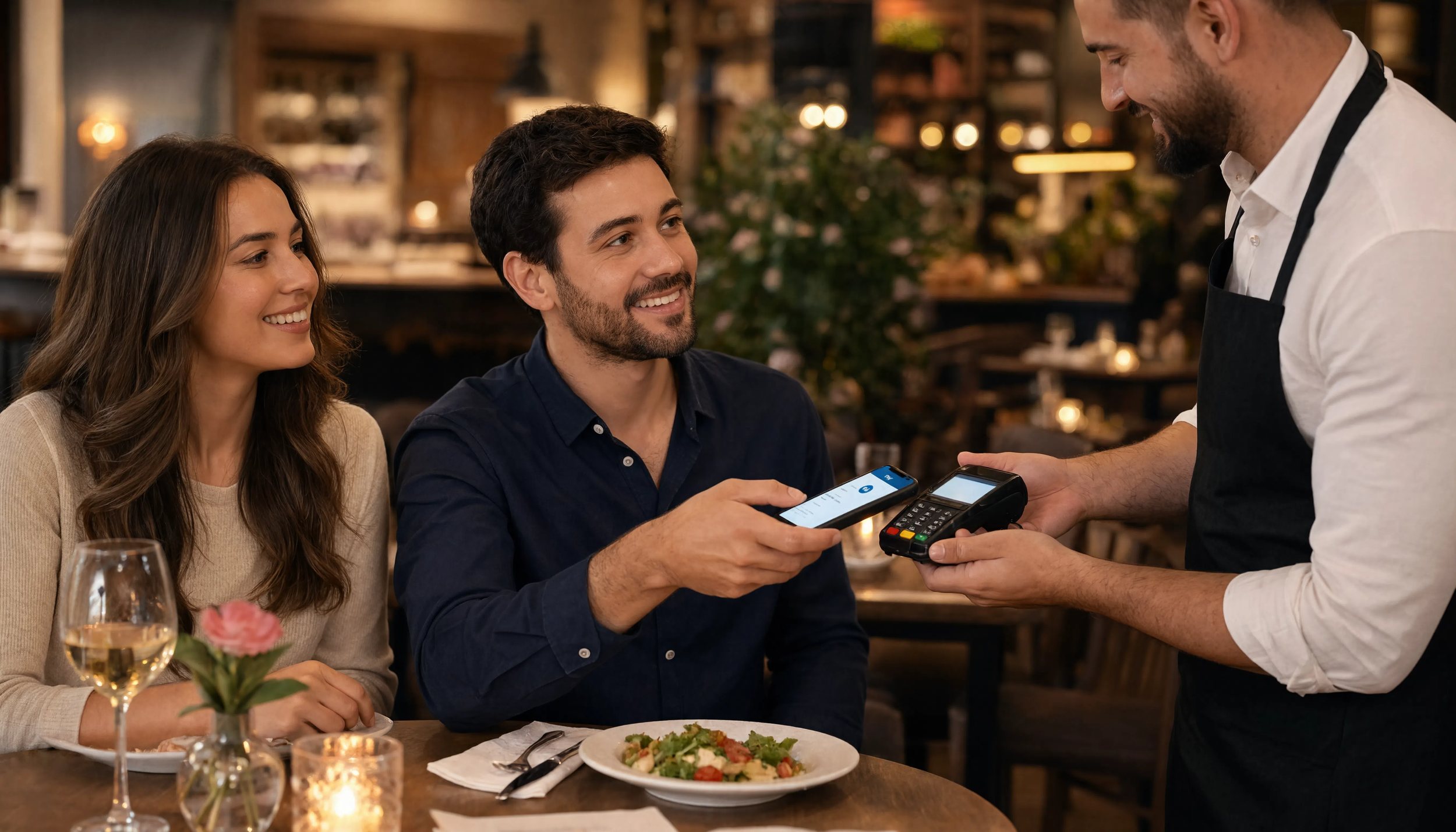
This has been happening more and more in recent years. At the checkout, the customer never opens a wallet. They hold a phone or a watch near the terminal, the screen flashes, and they are done. No card, no swipe, no signature. If you have wondered what is actually going on in that second and a half, this post is for you.
The short definition
Apple Pay is a digital wallet built into iPhone, Apple Watch, iPad, and Mac. It lets a customer store their existing credit and debit cards on their device and pay by holding that device near a contactless payment terminal.
Apple Pay is not a bank, a card issuer, or a new processor you have to sign a contract with. Your customer is still paying with the same Visa, Mastercard, American Express, or Discover card they already carry. Apple Pay is simply a different way of presenting that card to your terminal.
That distinction matters, because it answers the question most owners ask first. The money still lands in your account through the same processing relationship you already have. It settles the way a card transaction settles.
What happens in that second and a half
Three things happen when a customer taps.
First, the customer proves who they are. Before the phone will release anything, it asks for Face ID, Touch ID, or a passcode. This is the piece most people overlook. A stolen phone in a stranger's hand is not a usable payment device. Compare that to a stolen plastic card, which will happily work for anyone holding it.
Second, the device sends a token, not a card number. When the customer first adds a card to Apple Pay, the card network issues a substitute number called a Device Account Number. That token is what lives on the phone and what travels to your terminal. Your point of sale never sees, never stores, and never transmits the customer's real card number.
Third, the transaction rides NFC. Near Field Communication is the same short range radio technology behind the contactless tap on a chip card. The range is roughly an inch or two, which is why the customer has to hold the device right at the reader.
Why tokenization should get your attention
Card data you never receive is card data you can never lose. For an independent operator running a store with a handful of lanes and no dedicated IT department, that is not an abstract benefit. It is one fewer thing that can turn into a bad phone call.
Tokenization also reduces the value of intercepting a transaction at all. A token tied to one specific device, authorized by one specific fingerprint or face, is not something a bad actor can replay somewhere else the way a stolen card number can be.
Apple Pay and contactless are the same lane
Here is a piece of good news that surprises a lot of owners. Apple Pay does not require its own separate hardware. It runs on the same contactless capability that accepts tap to pay chip cards, Google Pay, and Samsung Pay.
If your terminal already accepts a tapped card, you are most of the way there. In many cases the contactless antenna is physically present in the terminal already and simply has not been enabled by the processor or gateway. We will cover that in detail in the third post in this series.
What it looks like on your side
On your reports, an Apple Pay transaction appears as a card transaction. Your batch, your deposit timing, and your reconciliation process do not change. Staff training is close to nonexistent, because the cashier does exactly what they already do. They ring the order and let the customer present payment.
For a grocery or specialty food operation, that simplicity is the point. You are not adding a system. You are adding an acceptance method to the system you already run.
The takeaway
Apple Pay is not a new payment company competing for your business. It is a faster, more secure way for your customers to hand you a card you already accept. Understanding that reframes the decision. The question is not whether you want to partner with Apple. The question is whether you want to accept the cards you already accept in the form your customers increasingly prefer to present them.
Not sure whether your current terminal already supports contactless? Contact QSS and we will tell you in a five minute conversation.