

The most common reason independent operators have not added Apple Pay is not cost and it is not skepticism. It is the assumption that it means replacing the point of sale. For most stores, it does not. Here is what the process actually looks like.
Step one: find out what you already own
Start here. Most payment terminals sold in the last several years shipped with an NFC antenna inside. Contactless was built into the hardware whether or not anyone ever turned it on. If your terminal has the contactless symbol printed on it, four curved lines that look like a sideways wifi icon, the hardware is there.
In that case, enabling Apple Pay is a configuration change. Your processor or gateway flips contactless on for your merchant account, the terminal pulls down updated parameters, and you are accepting taps. No new equipment. No downtime beyond a reboot.
Step two: the software update path
If the hardware is present but the terminal firmware is behind, the next step is a software update rather than a purchase. This is typically a remote push. The terminal downloads the update, restarts, and comes back with contactless active.
For integrated environments, where the terminal talks to your point of sale rather than standing alone, there may also be a payment application or gateway update on the POS side. This is where having someone who knows your specific platform matters, because the sequence differs by system and doing it out of order means a support call during business hours you did not need to make.
Step three: when you do need hardware
Some terminals are simply too old. If your equipment predates contactless entirely, no update will add an antenna that is not there.
Even then, you usually are not replacing the point of sale. The common path is adding a contactless capable pin pad or reader that connects to your existing system. The lanes keep running the software your staff already knows. Only the customer facing device at the counter changes.
If you are running without a modern POS at all, or you need a lane for a pop up, a farmers market, or a seasonal location, a standalone contactless terminal handles it on its own. It is a small countertop or handheld device that takes taps, chips, and swipes, and it does not need to be wired into anything.
What your staff needs to learn
Almost nothing, and that is not a sales line.
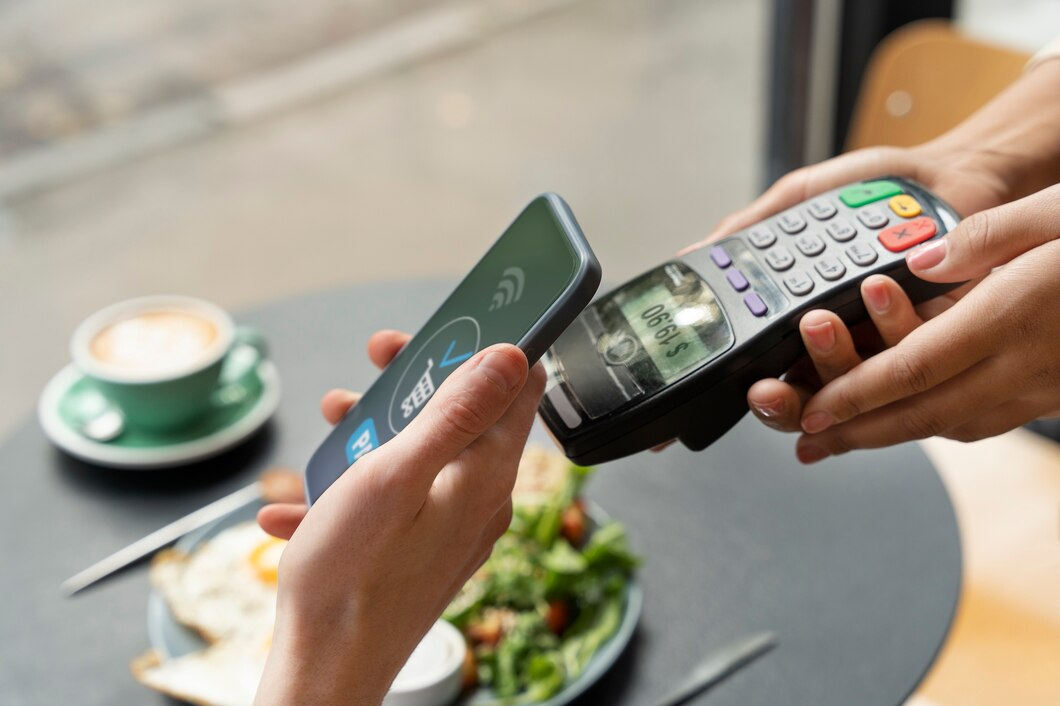
The cashier rings the order exactly as they do today. The terminal prompts for payment exactly as it does today. The only change is that the customer holds a phone or a watch near the reader instead of inserting a card. There is no new screen for staff to navigate and no new procedure to memorize.
The one thing worth doing is telling customers. A small decal at the register showing the contactless symbol and the Apple Pay mark converts more taps than silence does, because plenty of shoppers stopped asking a long time ago.
What about reconciliation
Nothing changes. Apple Pay transactions settle as card transactions and appear in your batch and your deposits alongside everything else. Your bookkeeping process, your daily close, and your month end reconciliation are untouched.
A realistic timeline
For a store where the hardware is already in place, this is often a same week change and sometimes a same day one. For a store needing new pin pads, the timeline is driven by equipment delivery more than by anything technical. Either way, this is not a project that consumes your fall or requires you to close a lane for a week.
Where to start
Take a photo of your terminal and the payment device your customers touch. That one picture answers most of the questions above, including whether you already have contactless hardware sitting idle.
Send it over and we will tell you exactly what your setup needs. Contact QSS to find out whether you qualify for a free Apple Pay installation and free equipment.